

How processing works
What Mojar does to your documents after upload — and why it enables accurate, citable answers.
When you upload a document, Mojar does not simply store the file. It runs the document through a multi-stage pipeline that turns unstructured content into searchable, citable knowledge. This is what makes it possible for an agent to answer your question and point to the exact passage it drew on.
The pipeline at a glance
Upload → Text extraction & OCR → Image description → Chunking → Embedding → ReadyEach stage is described below.
1. Text extraction and OCR
Mojar first extracts all readable text from the file. For documents where text is already digital (most PDFs, Word files, HTML), this is straightforward. For scanned documents or image-based PDFs, optical character recognition (OCR) is applied to convert the visual content into searchable text.
2. Image description
Pages or slides that contain images, diagrams, or charts are described in natural language. This means the agent can reason about visual content — a chart in a slide deck or a diagram in a technical document — not just the surrounding text.
3. Chunking
The full text of the document is divided into smaller, overlapping passages called chunks. Chunking happens at sentence boundaries so that each chunk forms a coherent piece of text rather than cutting a sentence in two. A small amount of overlap between adjacent chunks preserves context across boundaries.
Keeping chunks small enough to be precise — but large enough to carry meaning — is what allows the agent to retrieve the right passage for a given question, rather than an entire document.
4. Embedding
Each chunk is converted into a numerical representation (an embedding) that captures its meaning. When you ask the agent a question, your question is also embedded in the same way, and the agent finds the chunks whose meaning is closest to your question. This semantic search means the agent can match concepts, not just keywords.
5. Ready
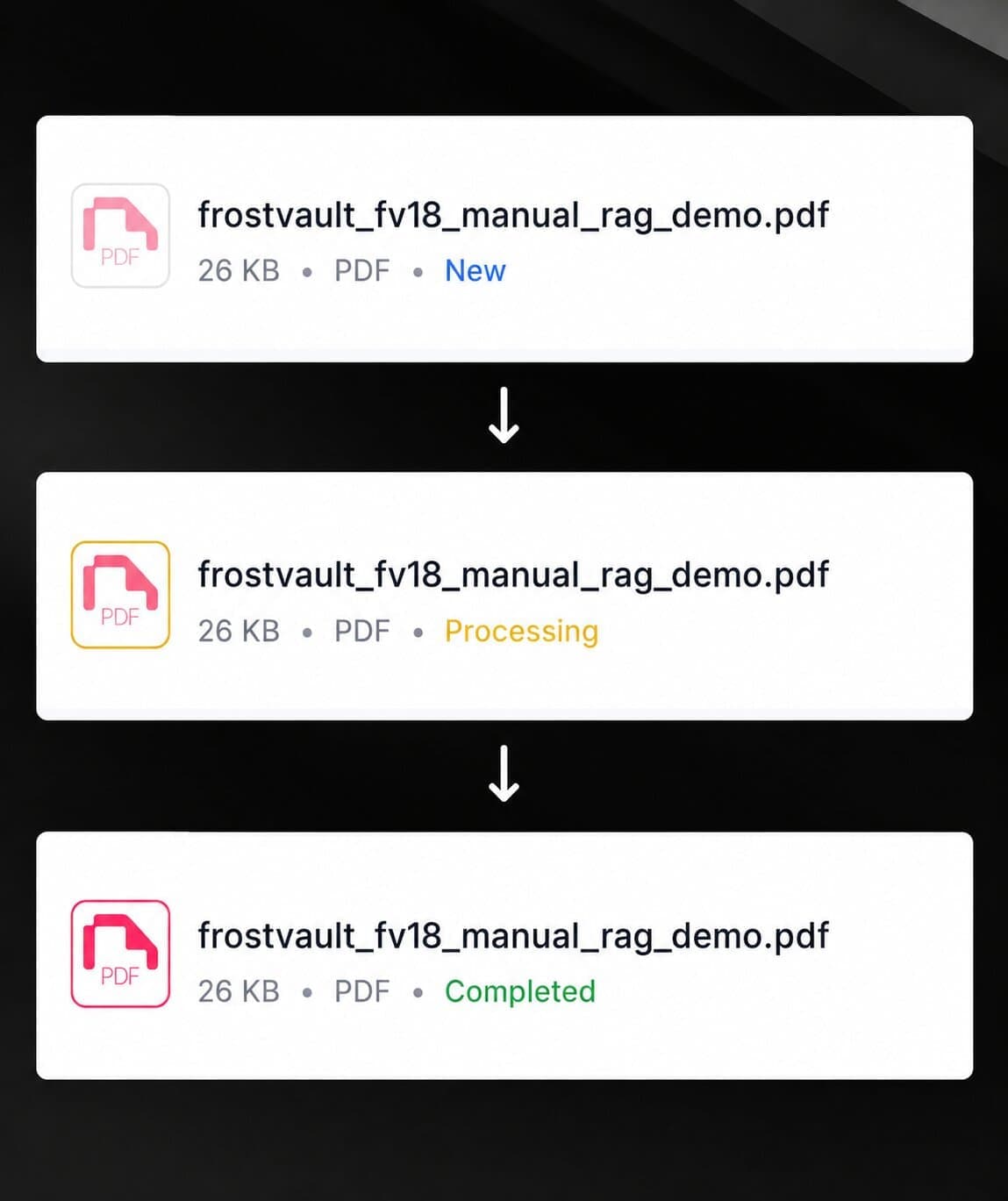
Once all chunks are embedded, the document's status changes to Completed and the agent can begin citing it in answers. See document statuses for what each status means.
Why this matters for answer quality
Because the agent retrieves specific chunks rather than re-reading the whole document on every question, answers are faster and more precise. Each chunk carries a reference back to its source document, which is how the agent can show you exactly where an answer came from. See citations and sources for how to view those references.