

Managing documents
Track processing status and delete documents from an agent's knowledge base.
After uploading, each document goes through a processing pipeline before the agent can use it. The Knowledge Base page shows every document in the agent's library along with its current status.
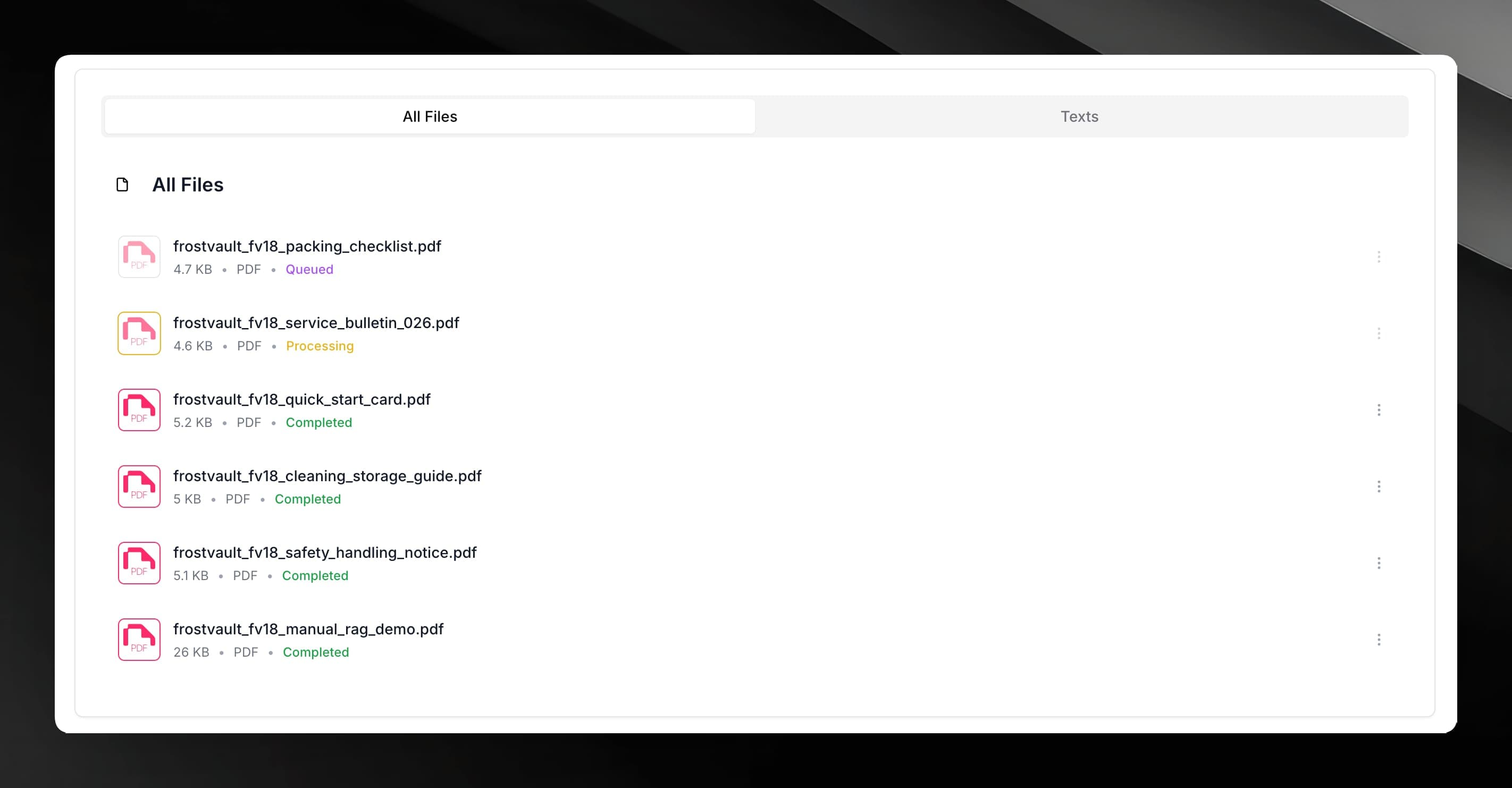
Document statuses
Prop
Type
If a document stays in Processing for more than a few minutes, try refreshing the page. Very large files or documents with many images naturally take longer.
Deleting a document
Open your agent and select Knowledge Base from the agent sidebar.
Find the document you want to remove in the list.
Click the delete option next to the document. A confirmation dialog appears.
Confirm the deletion. The document is removed from the agent's knowledge base and from storage. This action cannot be undone.
Deleting a document removes all of its chunks and embeddings. If you delete a document the agent has previously cited in answers, those answers will no longer have a retrievable source.
Document count limits
The number of documents each agent can hold depends on your plan. When the limit is reached, the Upload Documents button is disabled and shows a plan-upgrade prompt. You can free up space by deleting documents you no longer need.