

Visibility and sharing
Toggle an agent between private and public, and share the public chat URL.
By default every agent is private, only you can chat with it. Making an agent public from the agent settings page generates a shareable link and enables embedding it on a website.
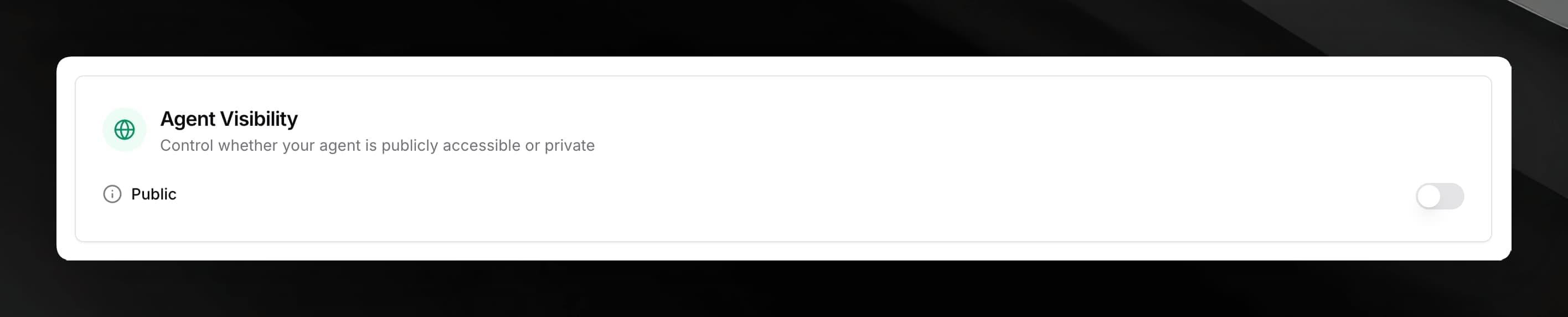
Public vs private
The Public toggle appears on the agent settings page. Flipping it on makes the agent accessible to anyone with the link.
| State | Who can chat |
|---|---|
| Private | Only the agent owner (you) |
| Public | Anyone with the public chat URL |
Prerequisite
The toggle is disabled until at least one document in the agent's knowledge base has finished processing. You will see a tooltip explaining this if you try to enable it before any documents are ready.
Public agents are visible to everyone and can be shared with others. There is no per-user access control on the public URL — anyone who has the link can send messages.
The public chat URL
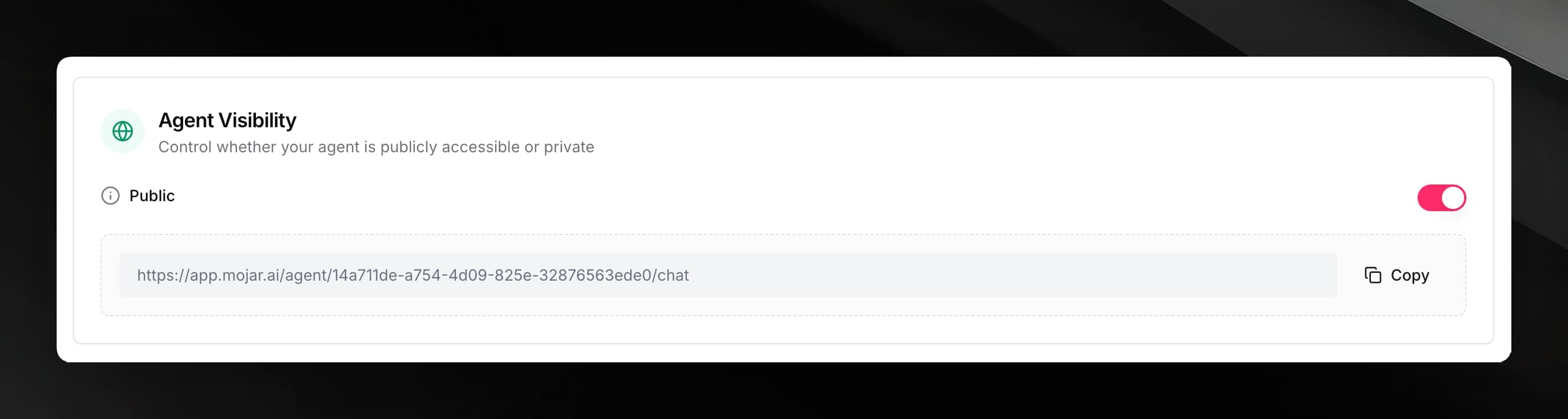
When you turn the agent public, a URL appears below the toggle:
https://app.mojar.ai/agent/<uuid>/chatUse the Copy button to copy it to your clipboard. Share the URL directly with users, or use it as the source for an embedded chat widget.
Embedding the agent
Once an agent is public, you can embed a chat widget on any website. Go to the Embed tab in the agent sidebar to get the embed code.
The embed code is specific to the current agent — it will not work if copied to a different agent.
See Embedding the widget for installation instructions and customisation options.
Making an agent private again
Toggle Public back to the off position at any time. Existing conversations are not deleted, but the public URL and any embeds stop accepting new messages immediately.